Mail, chats, music, AI — any site, right on the board.
 Kumodesk
v0.1.9 · macOS · Windows · Linux
Web pages, notes, tasks, a calendar, tables and AI assistants stand side by side on one board that you move and zoom. Nothing hides behind anything else.
Free for now. No account. Everything you make stays on your computer.
The board
Windows
Each thing is a window. Drag it where you want, make it as large as it deserves, and zoom out to see everything at once.
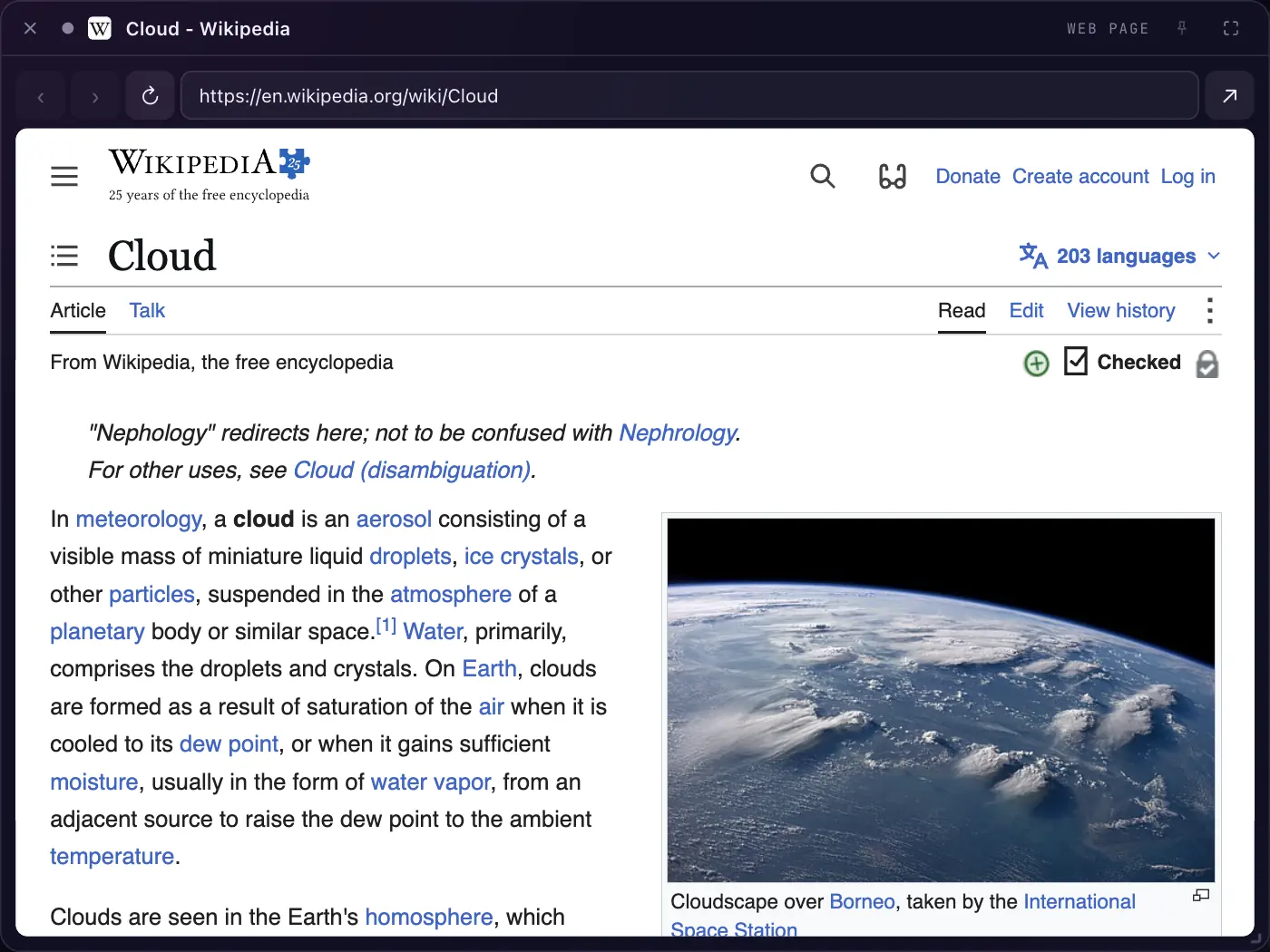
Mail, chats, music, AI — any site, right on the board.
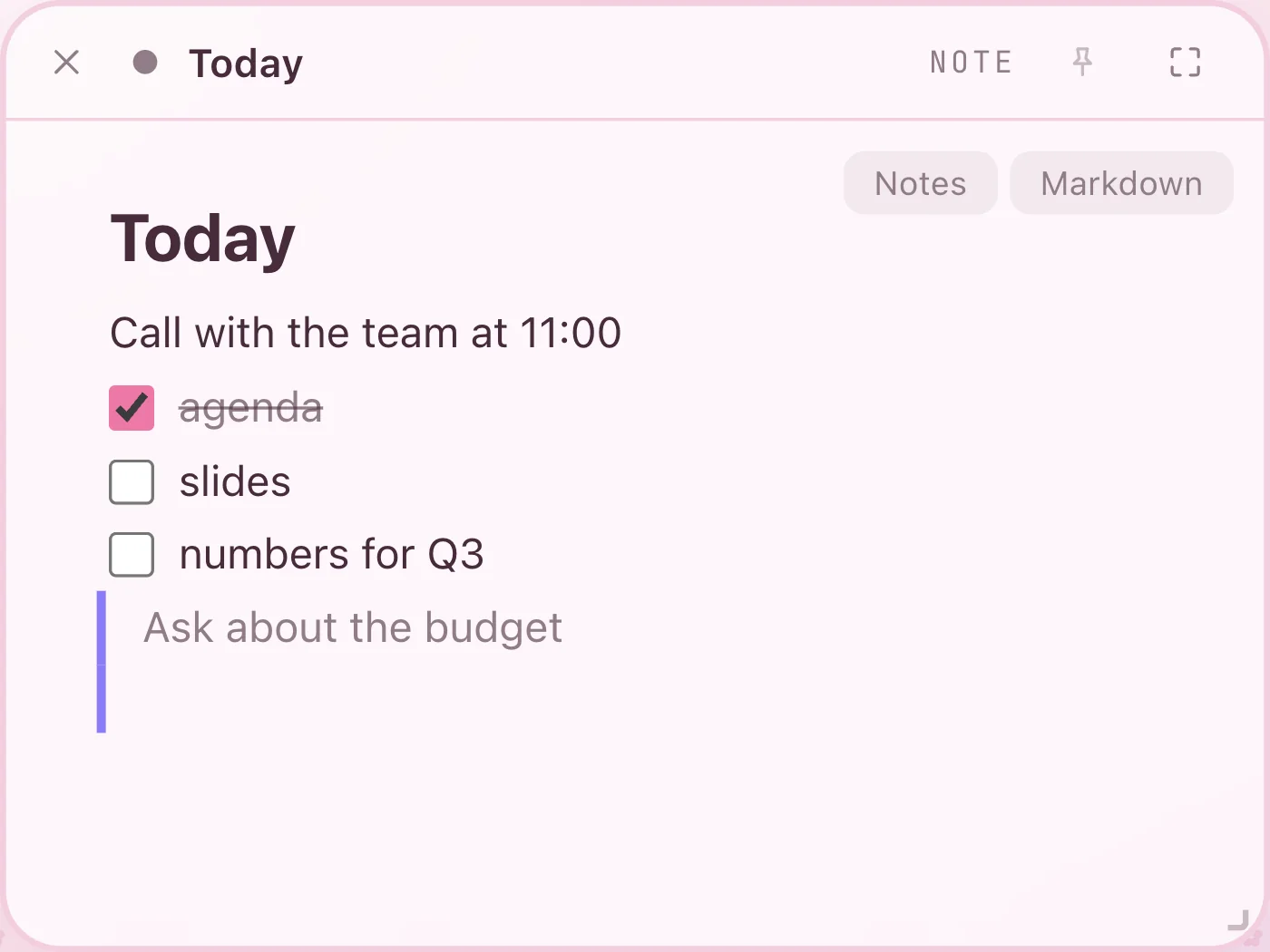
Text with headings, lists and checkboxes, kept as plain files in your folder.
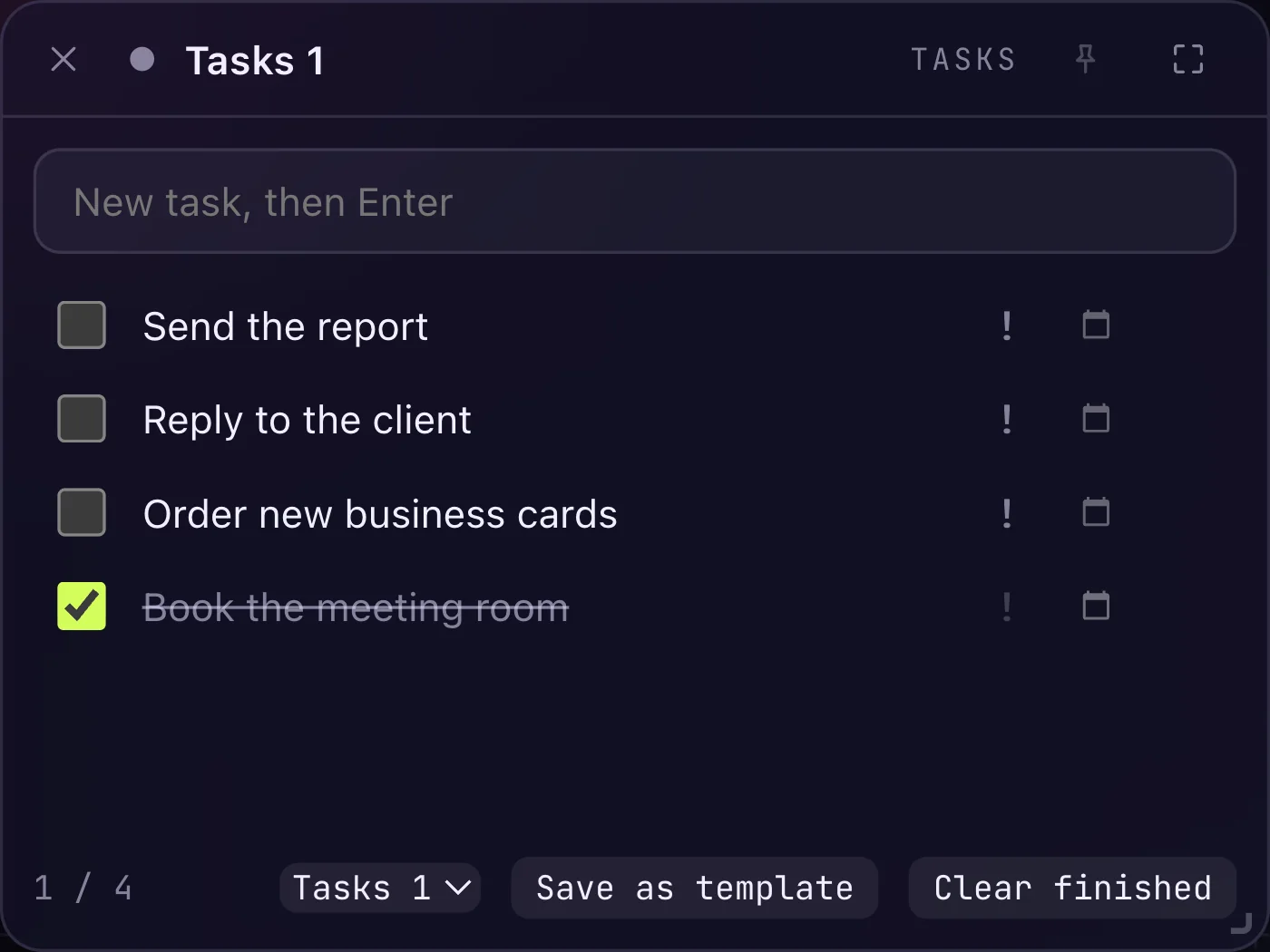
A to-do list with due dates, goals split into steps, a mark for each day.
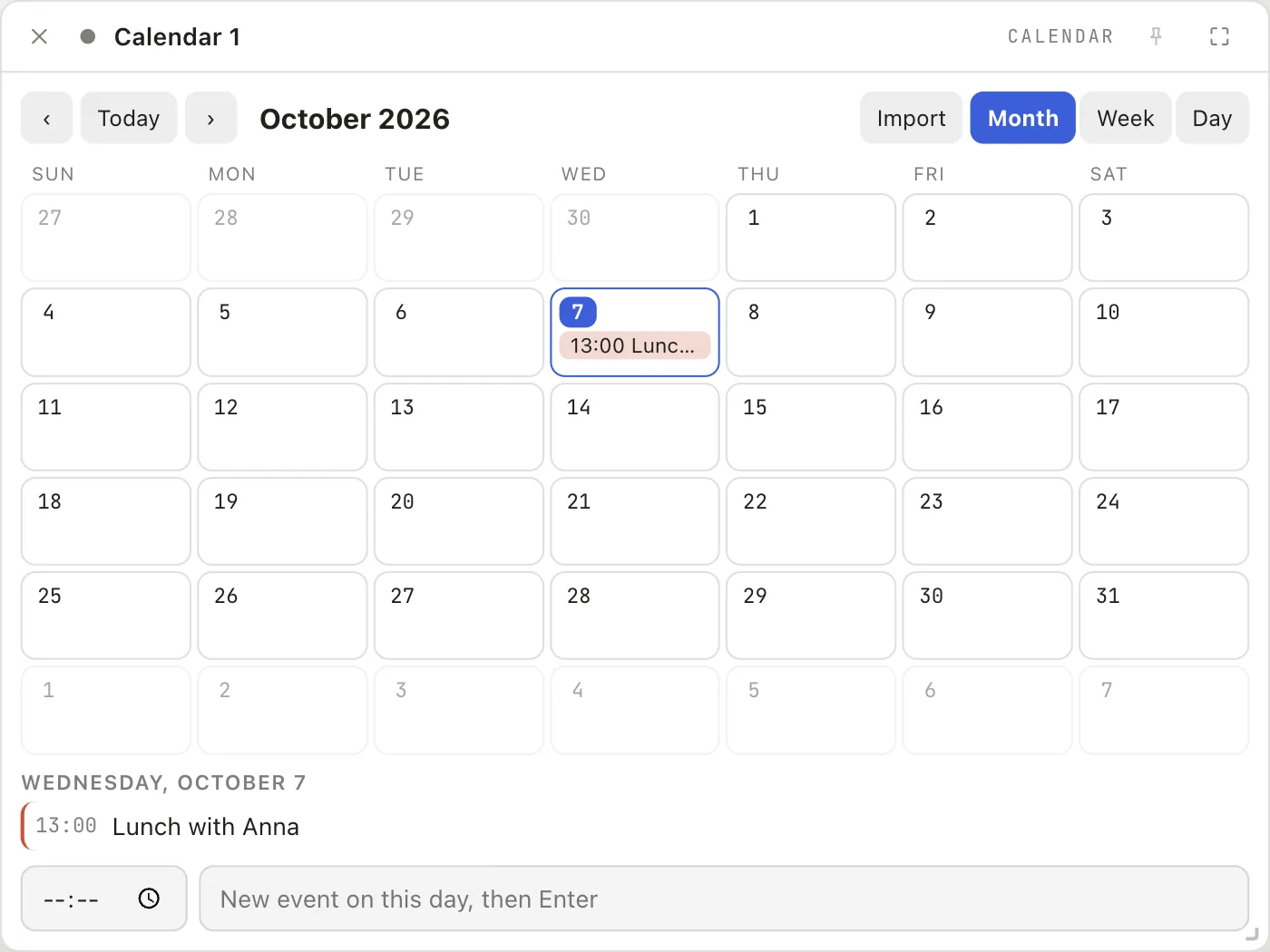
Month, week and a plan of the day by the hour.
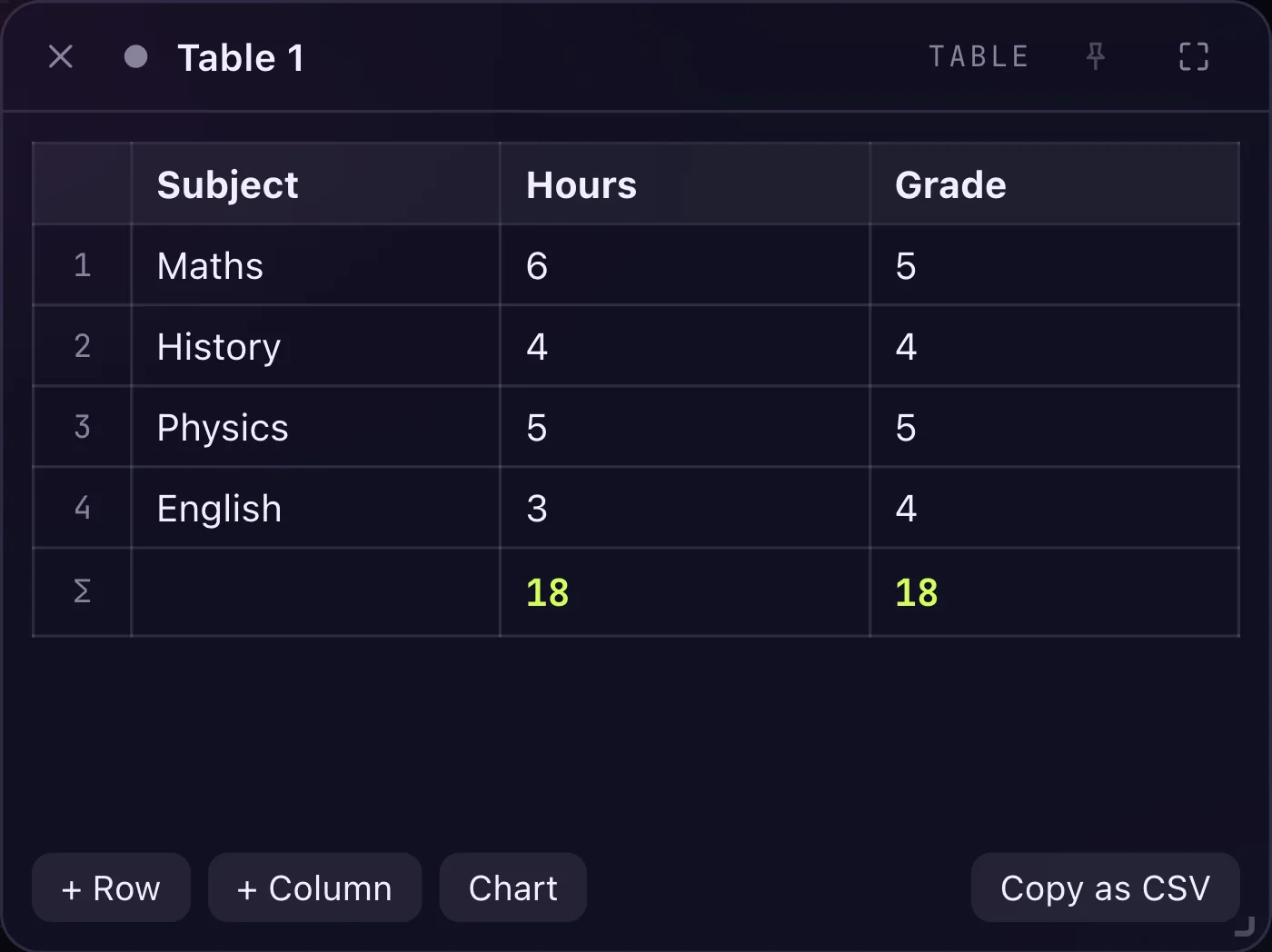
Rows and columns to type into; number columns add up.
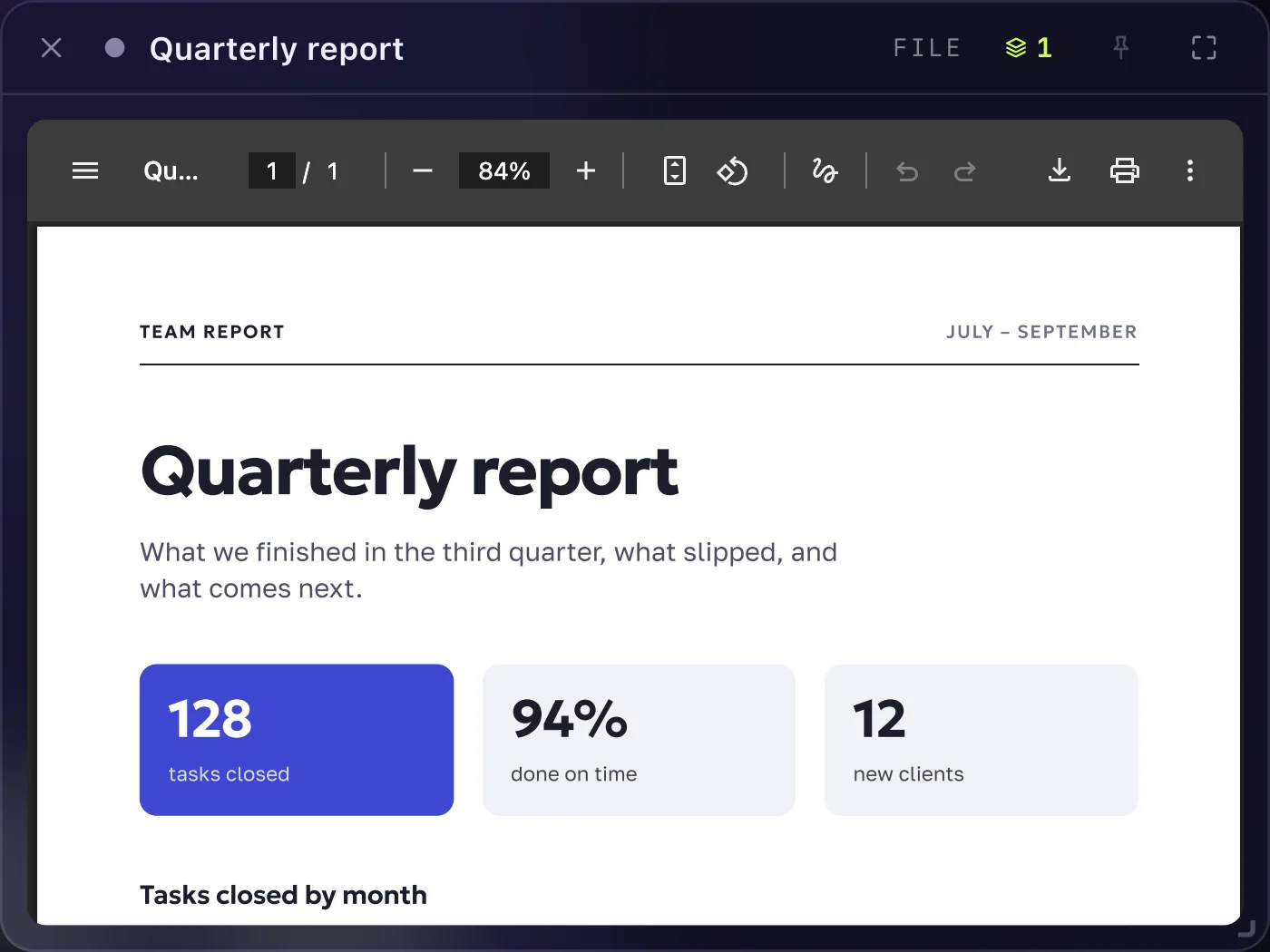
A picture, a video, a sound or a PDF from your computer, open beside your work.
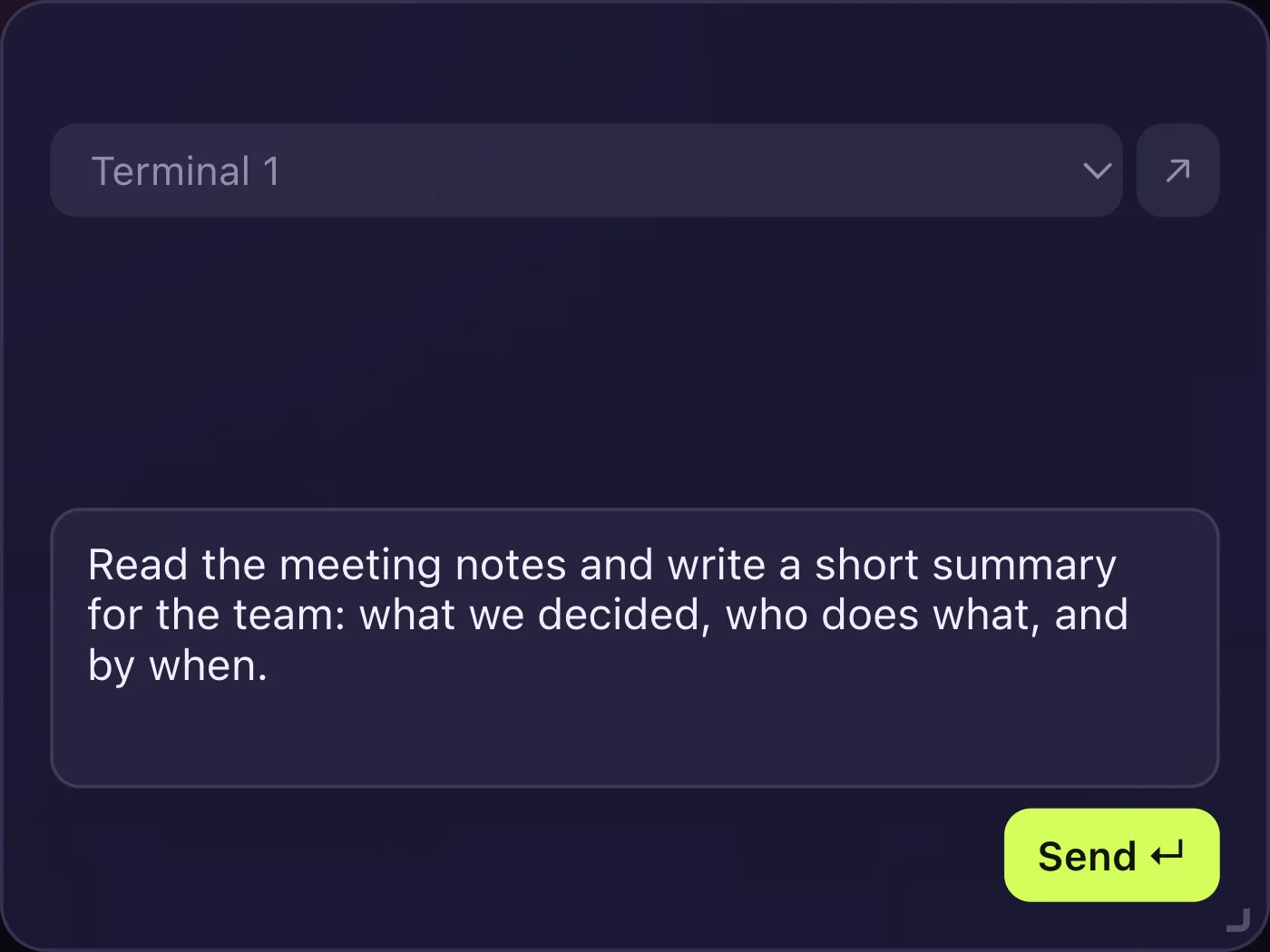
Claude, ChatGPT or Gemini in a window, and one line at the bottom to write to them.
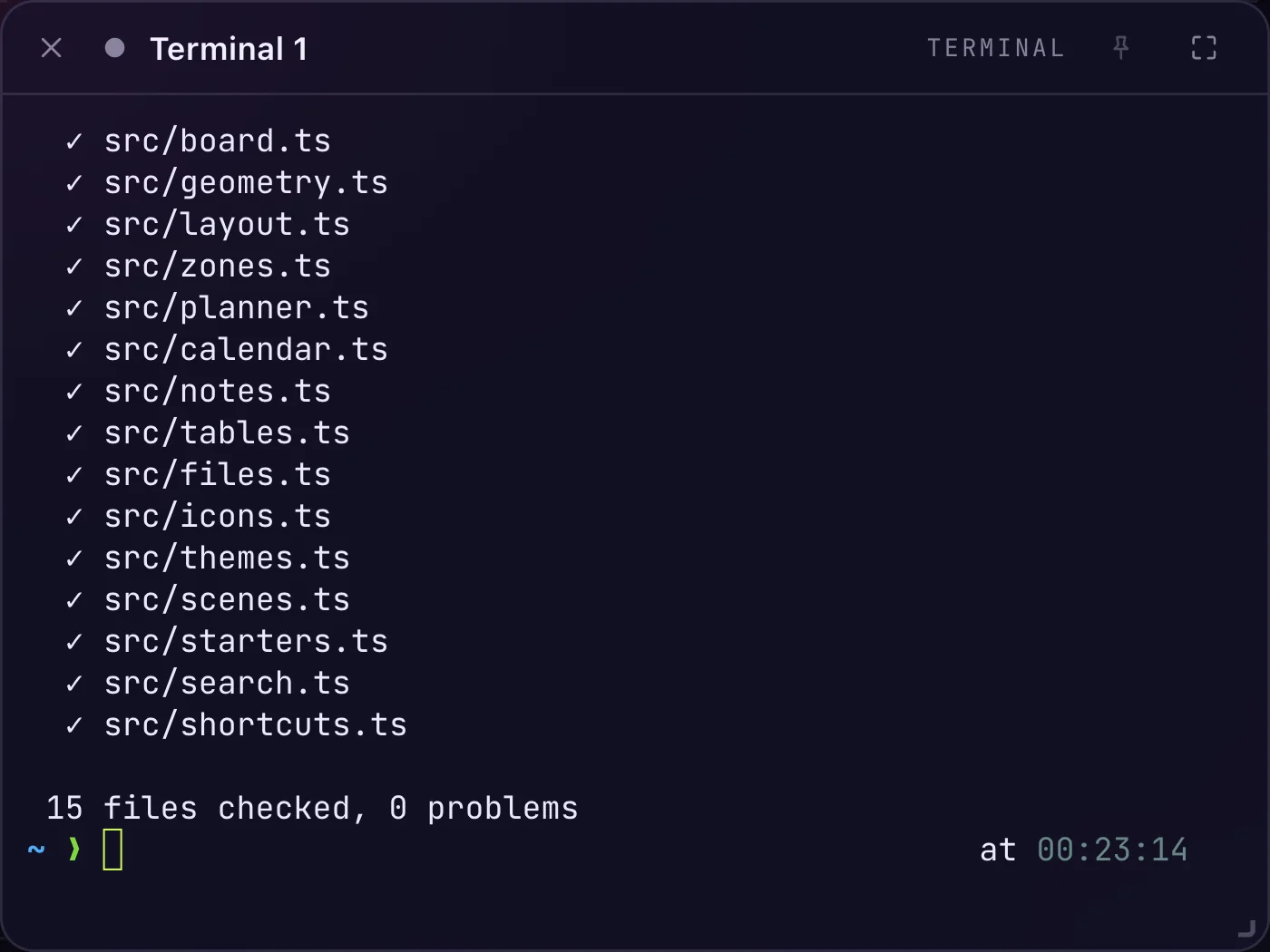
For those who need them: command windows that keep running and say when they finish.
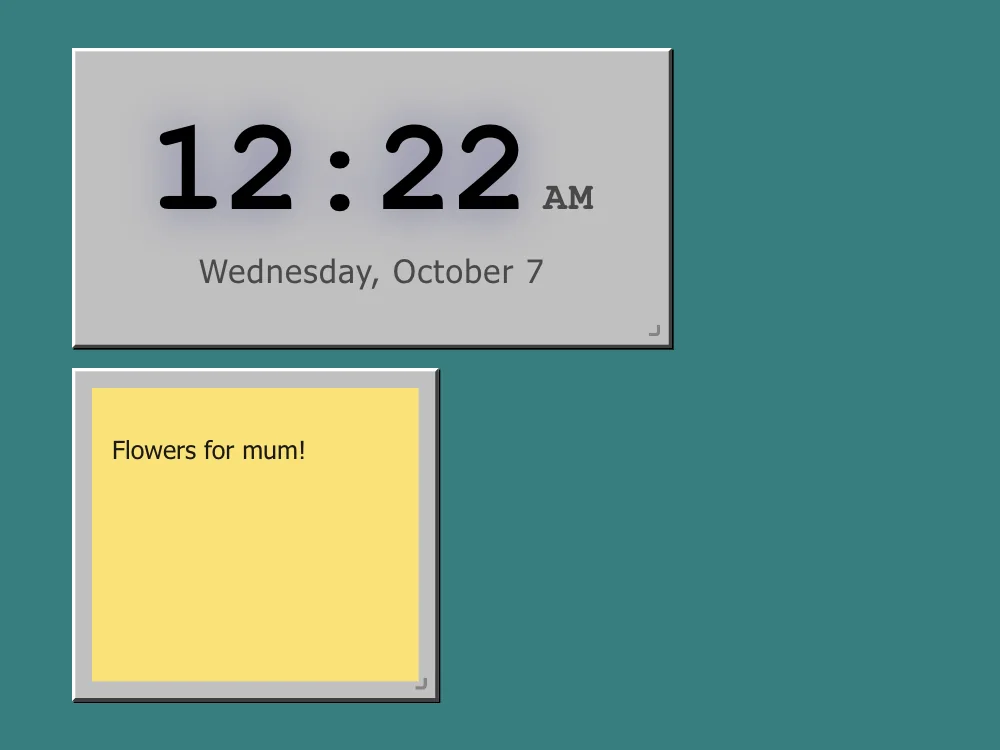
A clock, sticky notes, a focus timer, a remote for the music that plays.
Boards
Not only for programmers. If you keep ten tabs and three apps open to do one thing, this is for you.

At the officeA page on the left, notes for the call in the middle, tasks beside them, the calendar below. One look instead of ten clicks.

StudyingThe test or the lecture on one side, your notes on the other, a timer that counts 25 minutes of work and then a break.

Building thingsTerminals and AI coding assistants on several boards. A sound and a notice tell you when a long job on another board has finished.
Themes
Pick a theme. This page changes with it, the way the app does.

Details
One for work, one for study, one for home. Switch with a click; each remembers its view.
Circle a group of windows and name it. Move the zone and they move with it.
A small map in the corner shows the whole board and where you are on it.
Eight themes from neon glass to paper and sakura, your own picture as a background.
A small pixel friend lives in the corner and reacts to what happens. Four to choose from, or none.
The whole app speaks both, and switches in one click.
Install
Pick your system. The button gives you the newest version.
.dmg file and drag Kumodesk to Applications.Or with one command In Terminal. This way macOS asks nothing.
curl -fsSL https://raw.githubusercontent.com/snowfallen/kumodesk-releases/main/install.sh | shsetup.exe file.Or with one command In PowerShell.
irm https://raw.githubusercontent.com/snowfallen/kumodesk-releases/main/install.ps1 | iexchmod +x kumodesk-*.AppImage) and open it..deb with your package manager.Or with one command In a terminal.
curl -fsSL https://raw.githubusercontent.com/snowfallen/kumodesk-releases/main/install.sh | shKumodesk looks for new versions itself and asks before installing one.
Privacy
Notes, tasks, tables and boards are kept in a folder on your computer. Kumodesk has no account and no cloud of its own, and it sends us nothing about you: the one thing it asks the network by itself is whether a newer version is out. Sites you open in web windows work as they do in any browser.
notes/every note, a plain text fileboard.jsonthe windows and where they standplanner.jsontasks, goals, habits, the calendartables.jsonyour tablestheme.jsonthe look you choseQuestions
Yes, for now it is free: there is no paid version, no trial and no subscription.
macOS and Windows warn about every app whose maker has not paid them for a signing certificate. Kumodesk is a young project and has not bought one yet. The steps above show what to press; it is needed once.
No. The buttons on this page give you the file directly. GitHub is only where the files are stored.
Yes. Notes, tasks, the calendar, tables and files work offline. Only web windows need a connection, like any browser.
It can open any site in a window, but it is more than that: the sites stand next to your notes, tasks and files on one board.
Windows far from where you look go to sleep and wake when you come back, so a large board stays light.
The app tells you when a new version is out and installs it after you agree.
Like any app: move it to the Bin on macOS, use "Add or remove programs" on Windows, or remove the package on Linux.
Open the Issues page linked at the bottom and say what you did, what you expected and what happened. A screenshot helps.
Nothing found. Ask us below — a person will answer.
Contact
A question, an idea, or something that broke. A person reads every message.